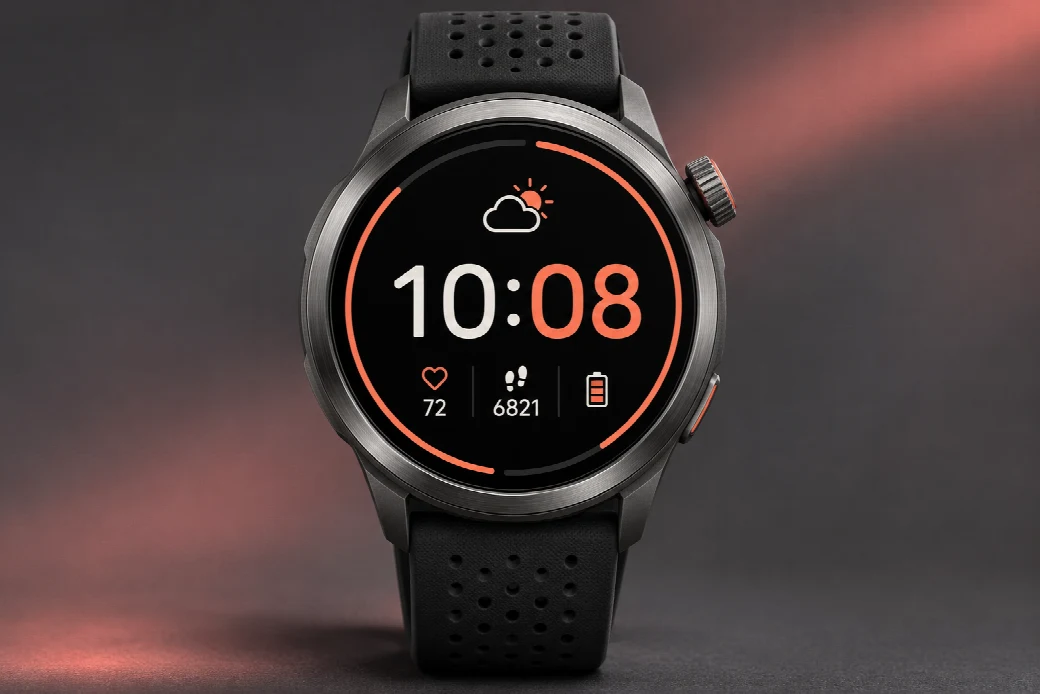
Connect IQ Store
Garmin
Install through Connect IQ, then change colors and data fields from your watch or phone when the face supports those controls.
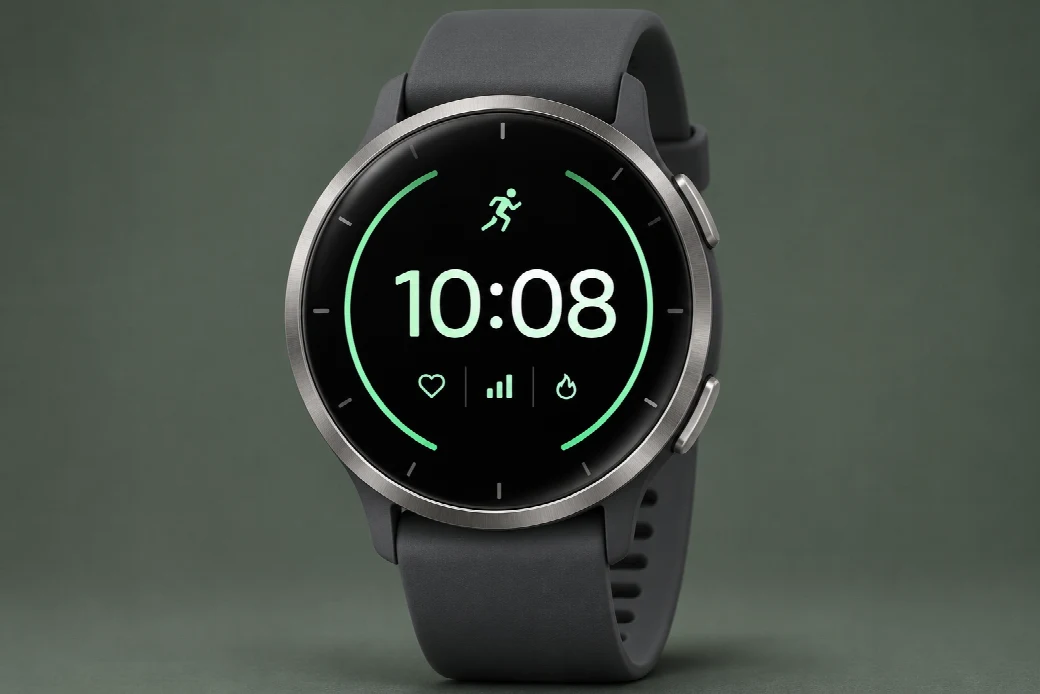
Setup and personalization
Illustrated guides to installing, switching, personalizing and removing watch faces on Garmin, Wear OS, Fitbit and Amazfit.
Connect IQ Store
Install through Connect IQ, then change colors and data fields from your watch or phone when the face supports those controls.
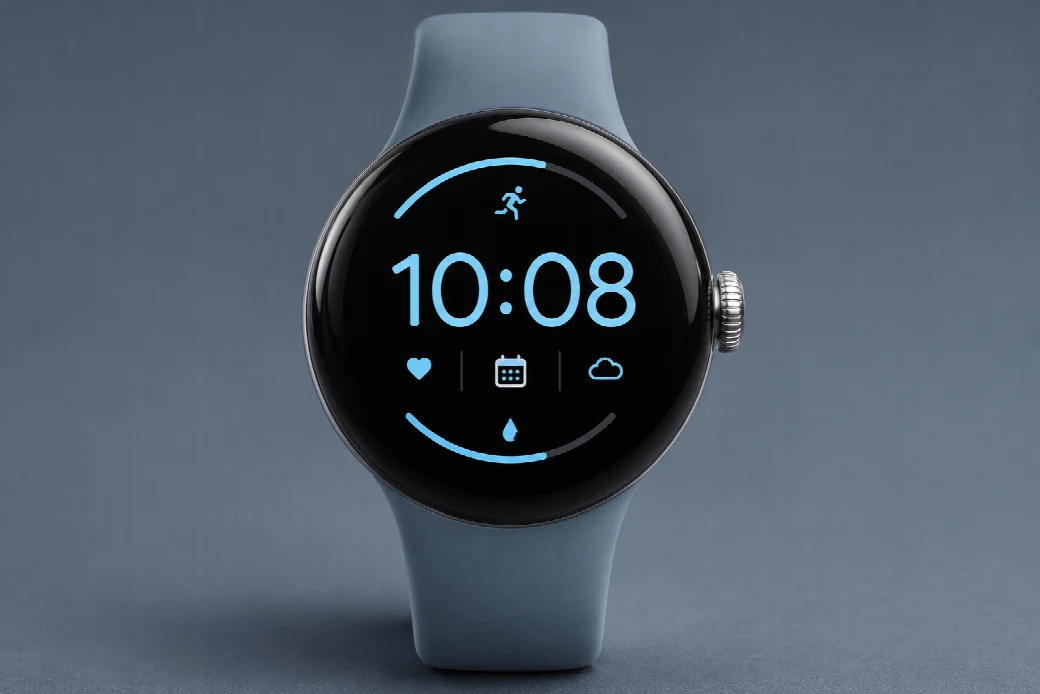
Google Play
Install on your Wear OS watch from Google Play, then use the watch editor or your watch’s companion app to change available colors and complications.
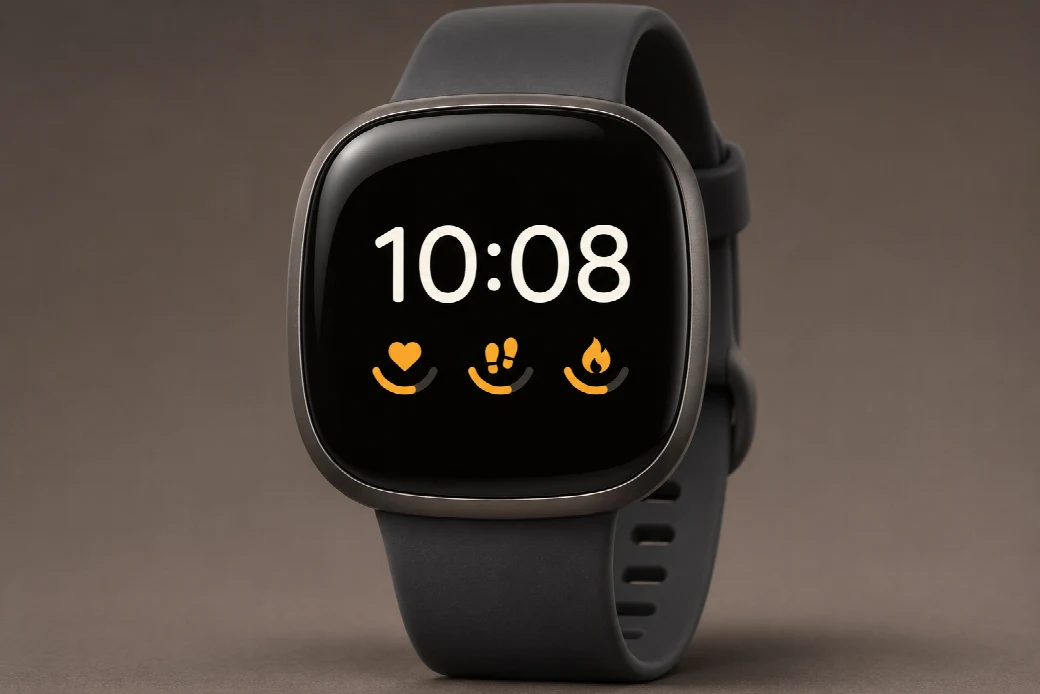
Fitbit Gallery
Manage installed Fitbit clocks and their available options from the Google Health app (formerly Fitbit). Check the third-party installation notice before removing an existing design.
Zepp
Find and sync compatible faces in Zepp. Editable designs may let you choose colors or swap data slots, depending on the model and firmware.