New
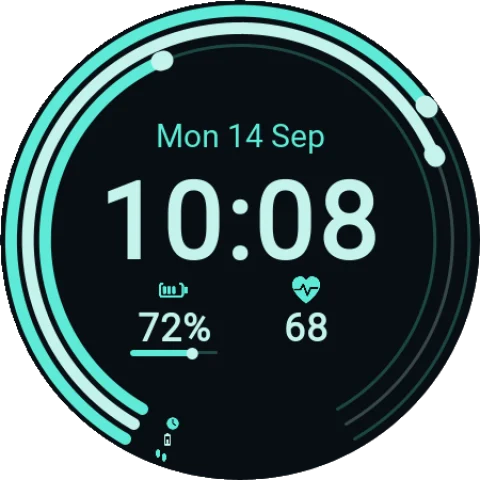
Transform your smartwatch with unique designs. Installed from Google Play.
Wear OS watch faces by Dan Watch Faces for Samsung Galaxy Watch, Google Pixel Watch and other Wear OS smartwatches. Digital, analog and fitness dials on Google Play.
9 designs
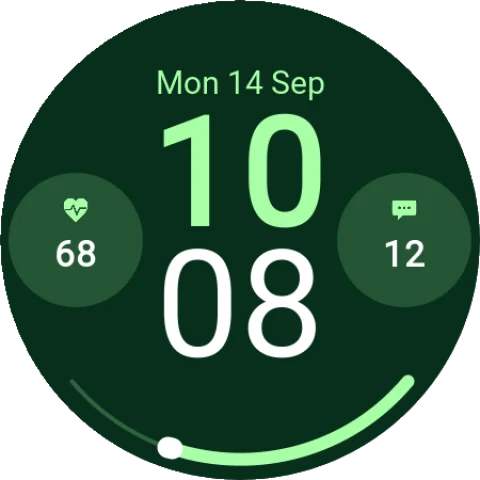
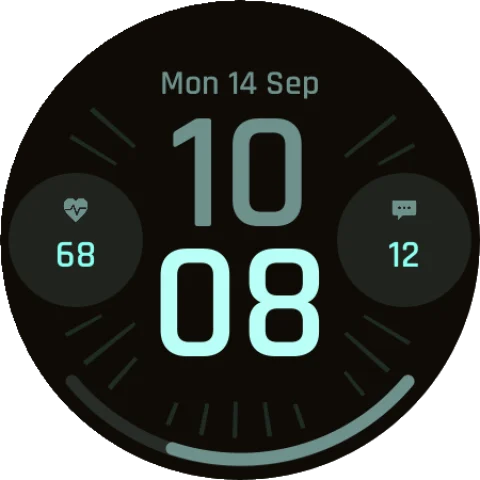
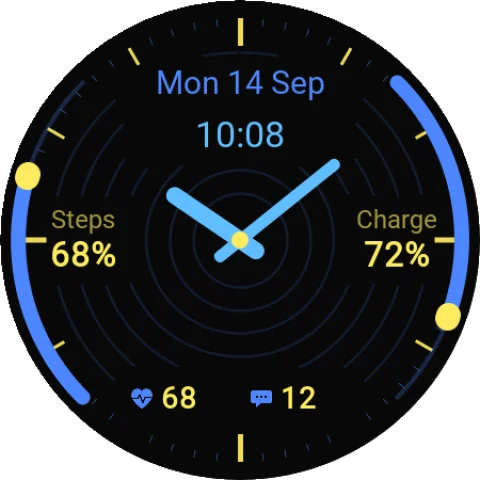
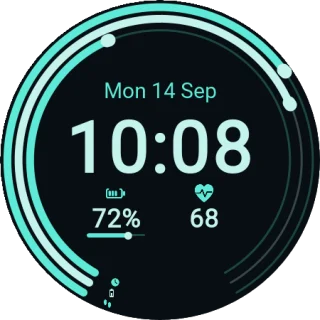
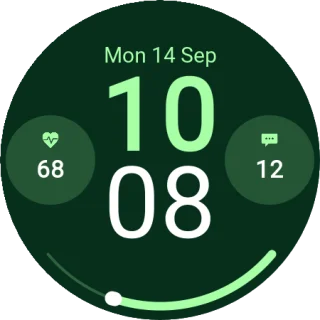
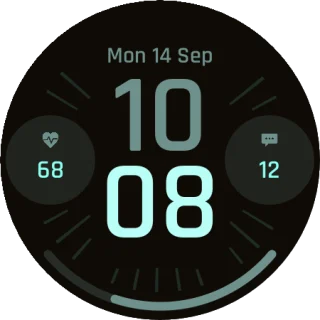
Clean Analogic is a hybrid watch face for Wear OS with an aurora look, built around heart rate, 2 custom slots and 4 rea...
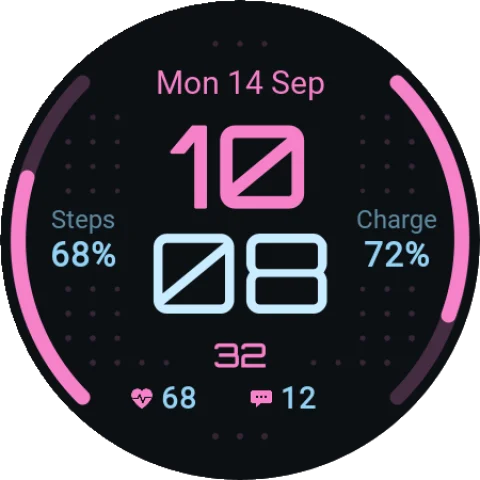
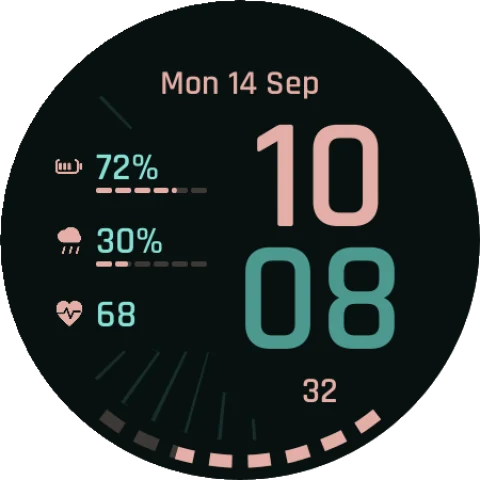
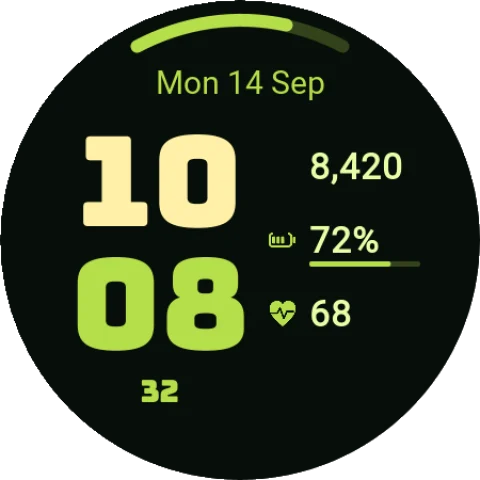
Goals Lover is a digital watch face for Wear OS with a racing look, built around heart rate, 3 custom slots and 4 ready-...
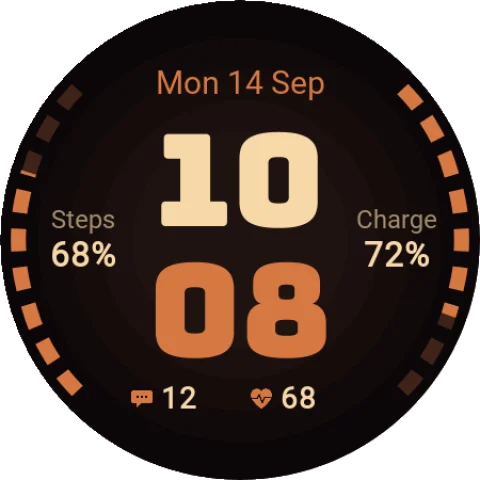
Circular Goals is a digital watch face for Wear OS with a racing look, built around heart rate, 2 custom slots and 4 rea...
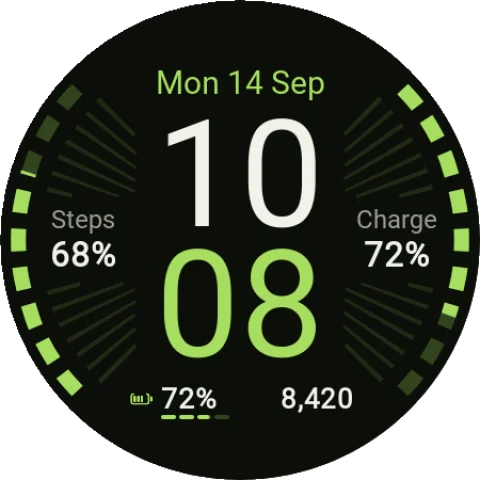
Electric Dream is a digital watch face for Wear OS with a minimal look, built around 2 custom slots, 4 ready-made looks...
These Wear OS watch faces are made with Google's Watch Face Format, so they run smoothly and save battery on modern Wear OS 4 and 5 watches, including Samsung Galaxy Watch and Google Pixel Watch.
Install a face from Google Play on your phone or watch. Many designs offer colour themes and complication slots for steps, heart rate, weather and other data, plus an always-on display.
Also see: Galaxy Watch faces Pixel Watch faces
Open a design and tap its Google Play button. On your phone, choose your watch in the install menu, or install it from Google Play on the watch itself.
Touch and hold the current watch face, swipe left or right to the one you want and tap it. You can also choose it in your watch's phone app, such as Galaxy Wearable or the Pixel Watch app.
Watches with Wear OS 4 or later, including Samsung Galaxy Watch4 and newer, every Google Pixel Watch, and other recent Wear OS watches. Google Play checks your watch before installing.
These faces are made with Google's Watch Face Format, which is built to save battery, and their always-on display lights only a small part of the screen.