Wear OS watch face
Goals Lover
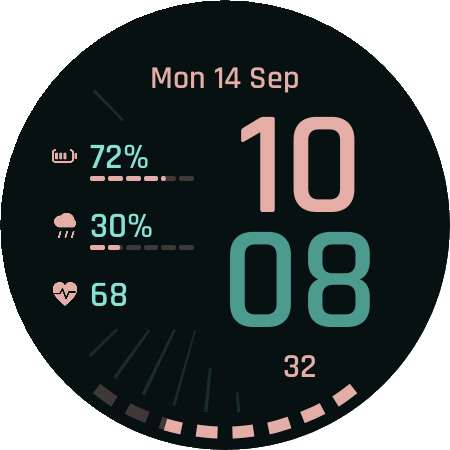
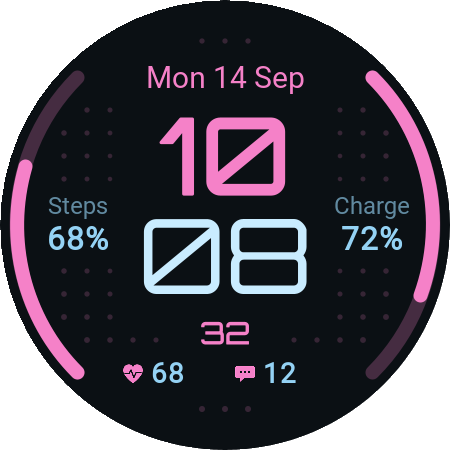
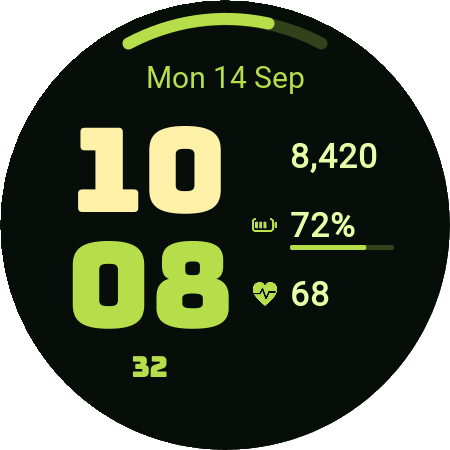
Goals Lover is a digital watch face for Wear OS with a racing look, built around heart rate, 3 custom slots and 4 ready-made looks. A large digital clock set in Bungee with seconds holds the middle, with steps, battery and heart rate around it. It comes in lime and white on black, and you can change the palette on the watch.
Compatibility and pricing are available in the official store.
Key features
- Heart rate, updated by your watch
- 3 slots you can change from your watch or phone, showing steps, battery and heart rate to start
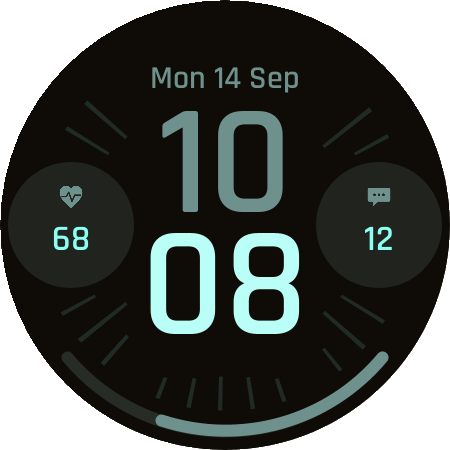
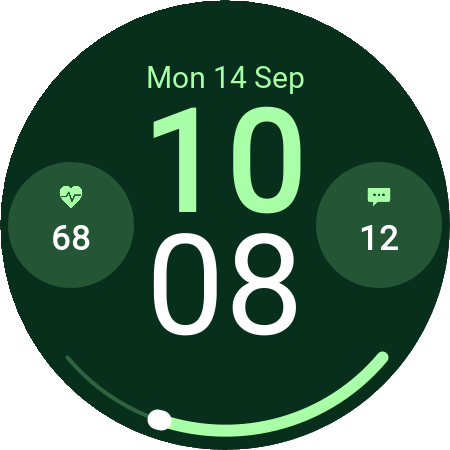
- 4 ready-made looks you can pick in one tap
- 8 color settings with palettes made for this design
- 3 clock fonts
Also included (13)
- Digital time with seconds
- Follows your watch's 12/24-hour setting
- Day and date
- A seconds ring round the dial that you can show or hide
- Always-on display with 4 styles to choose from
- An always-on clock that is solid, outlined or dimmed, as you choose
- A goal on the rim that tracks steps, battery, heart rate, the day or the hour, as you choose
- An AM/PM marker beside the time in 12-hour mode
- Tap shortcuts: the clock opens your alarms and the date opens your calendar
- An optional soft glow of the accent color behind the dial, off at night
- Hours with a leading zero as your watch is set, always (09:41) or never (9:41)
- 3 levels of background detail
- Names instead of icons for the readouts
Compatibility
Made for Wear OS 4 and later. On Wear OS 5 and later the slots also accept goal-progress sources and the ready-made looks are available. Scales to round and square screens. This is a watch face only; it has no phone app. The data in each slot comes from your watch and the apps installed on it, so what is available can vary by watch and region.
How to customize
Touch and hold the watch face, then tap Customize. You can also customize it from the watch app on your phone.
How to install
- Tap the button above on your phone, signed in to the same Google account as your watch.
- On Google Play, choose your watch from the install options and tap Install.
- On the watch, touch and hold the current face, swipe to the new design and tap it to apply.