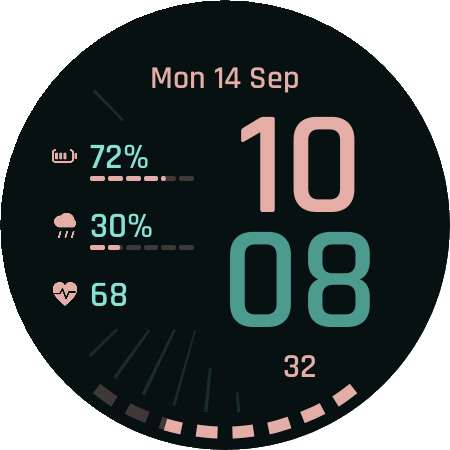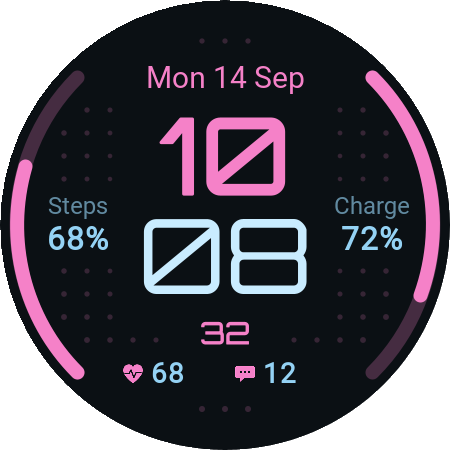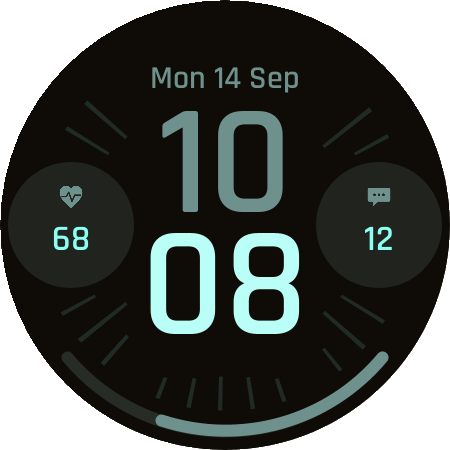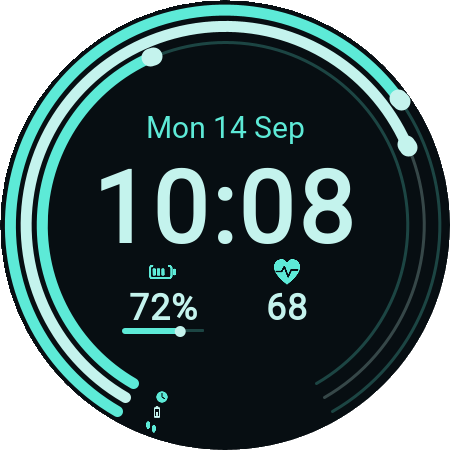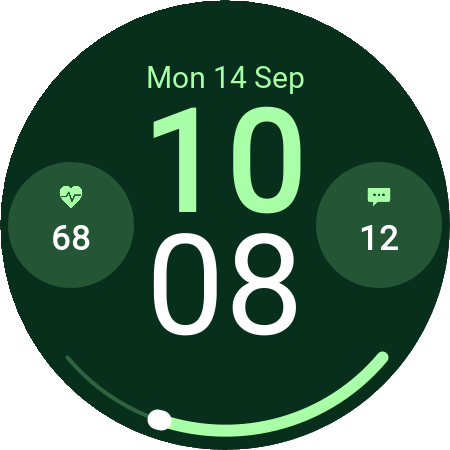
Wear OS watch face
Simple Green
Simple Green is a Wear OS watch face. See it full screen here, then install it from Google Play on your Wear OS watch.
Compatibility and pricing are available in the official store.
How to install
- Tap the button above on your phone, signed in to the same Google account as your watch.
- On Google Play, choose your watch from the install options and tap Install.
- On the watch, touch and hold the current face, swipe to the new design and tap it to apply.