New
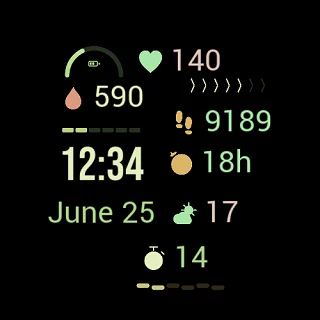
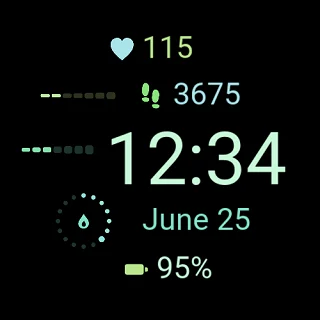
Steps, heart rate, battery, goals and more on one dial.
1–12 of 340 designs
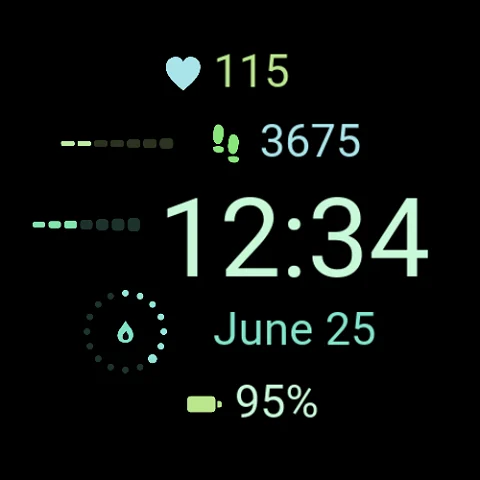
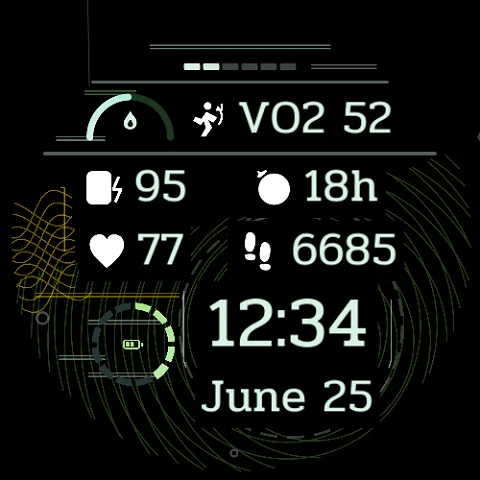
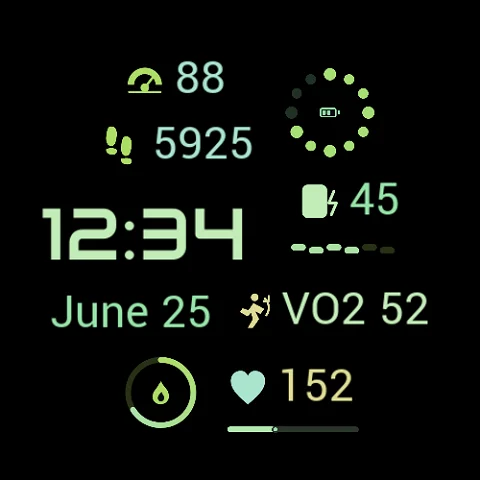
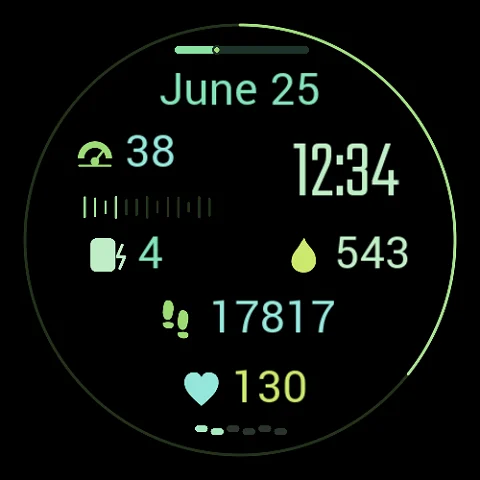
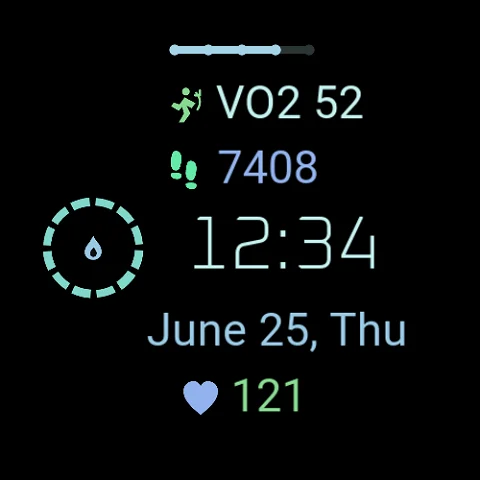
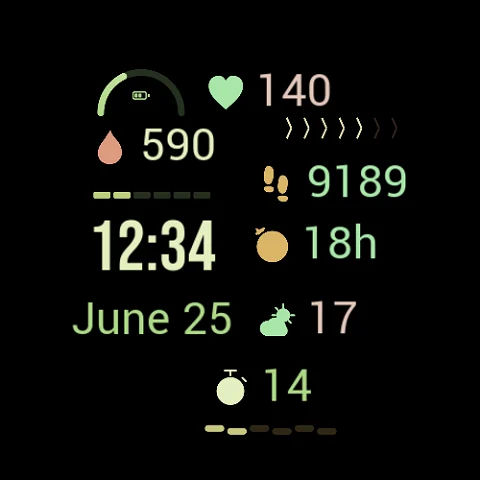
Data-rich watch faces show many readings at once - steps, heart rate, battery, calories, goals and more - so you rarely need to open another screen.
The collection has 340 data-rich watch faces: 337 for Garmin (Connect IQ), 2 for Wear OS (Google Play) and 1 for Fitbit (Fitbit Gallery). Each one has its own page with a large preview and a link to its official store page, where compatibility and pricing are listed.
See also: Data-Rich Garmin Watch Faces (337)
There are 340 data-rich watch faces in the collection: 337 for Garmin, 2 for Wear OS, 1 for Fitbit.
Open a design and tap its Connect IQ button, then tap Install in the Connect IQ Store app on your phone. The face is sent to your watch the next time it syncs.
Open a design and tap its Google Play button, install it on your watch, then touch and hold the current watch face and choose the new one.
Open a design and tap its Fitbit Gallery button, then tap Install in the Fitbit app. Google has announced that new installs of third-party clock faces end on 28 November 2026; faces already on your watch keep working.