New
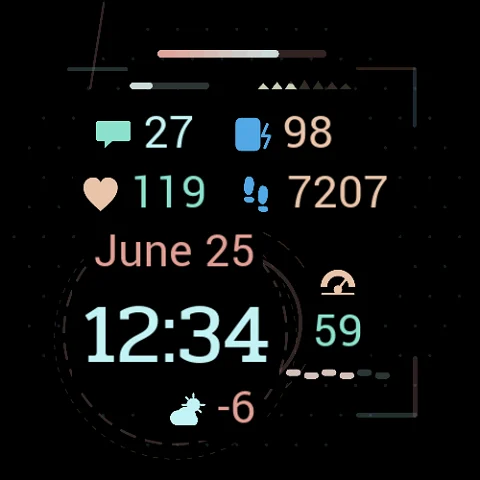
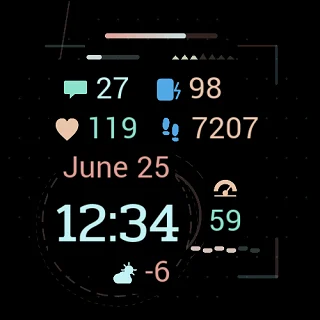
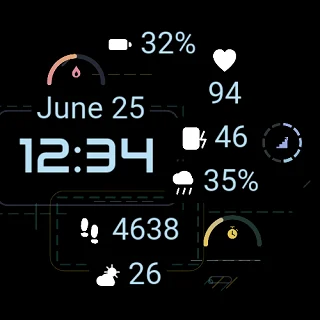
Transform your smartwatch with unique designs. Installed from Connect IQ.
Garmin watch faces for Venu, Forerunner, fēnix, epix and Instinct: digital and analog Connect IQ designs with steps, heart rate and battery, by Dan Watch Faces.
1–12 of 2380 designs
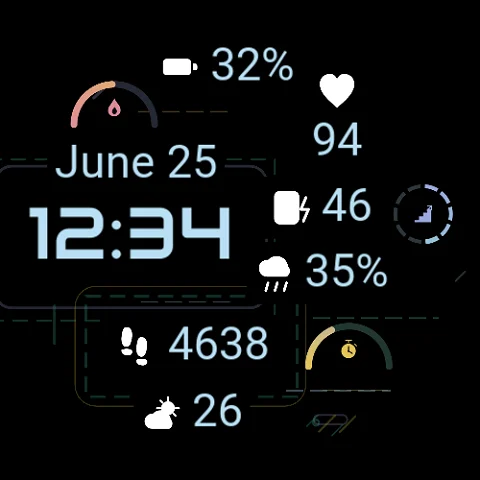
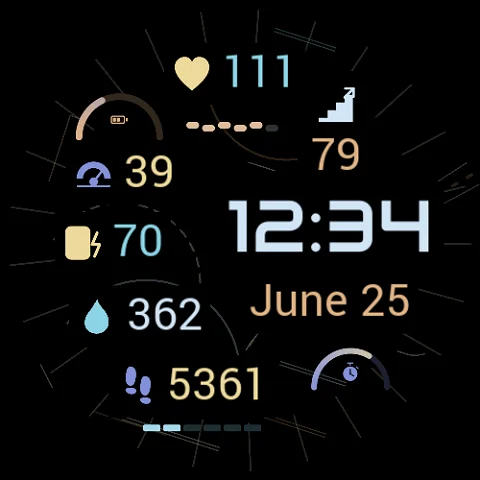
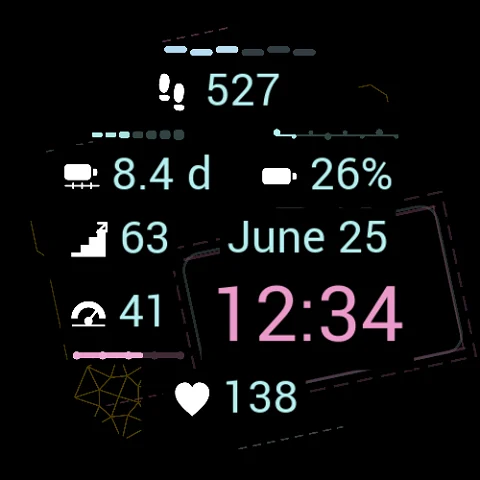
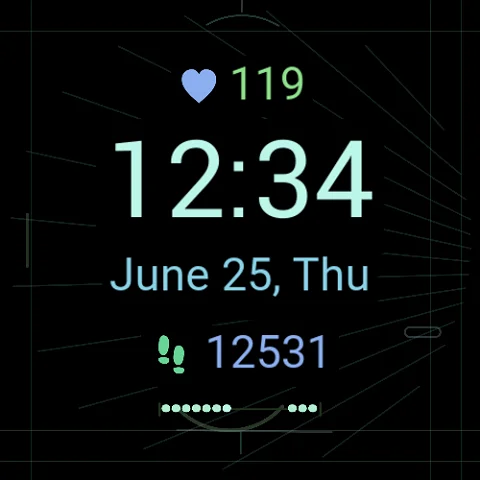
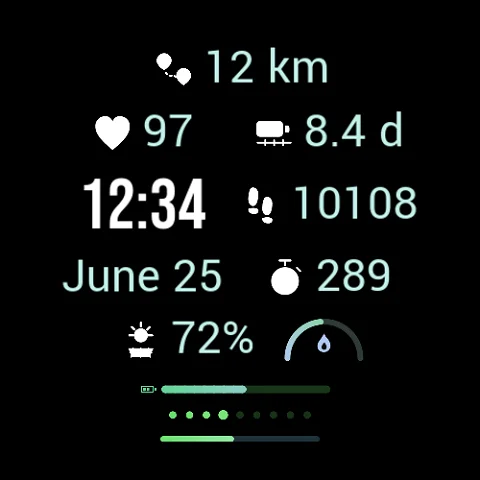
These Garmin watch faces are built with Connect IQ, Garmin's own platform for apps and faces. They show the time with the data runners, cyclists and everyday wearers check most: steps, heart rate, battery, date and more.
Install a face from the Connect IQ Store app on your phone. Each Connect IQ listing names the Garmin watches it supports, such as Forerunner, fēnix, Venu, epix, Instinct or vívoactive models.
Open a design and tap its Connect IQ button. In the Connect IQ Store app on your phone, tap Install; the face is sent to your watch the next time it syncs with Garmin Connect.
On the watch, press and hold the menu button (or touch and hold the screen on touchscreen models) from the watch face and choose Watch Face, then pick the one you want. In the Connect IQ app, installed faces are listed under My Device.
Each design lists its supported models on its Connect IQ page. Most support current Connect IQ watches such as Forerunner, fēnix, epix, Venu, vívoactive and Instinct models.
Many designs have settings. In the Connect IQ app, open My Device, select the watch face and choose Settings to change its colours or the data it shows.